
Knowledge base · Print control
Packaging colour control: proofs, substrates and reorders.
Define the reference and production condition before asking for a match, then record proof limitations, acceptance criteria and reorder data so colour decisions can be repeated.
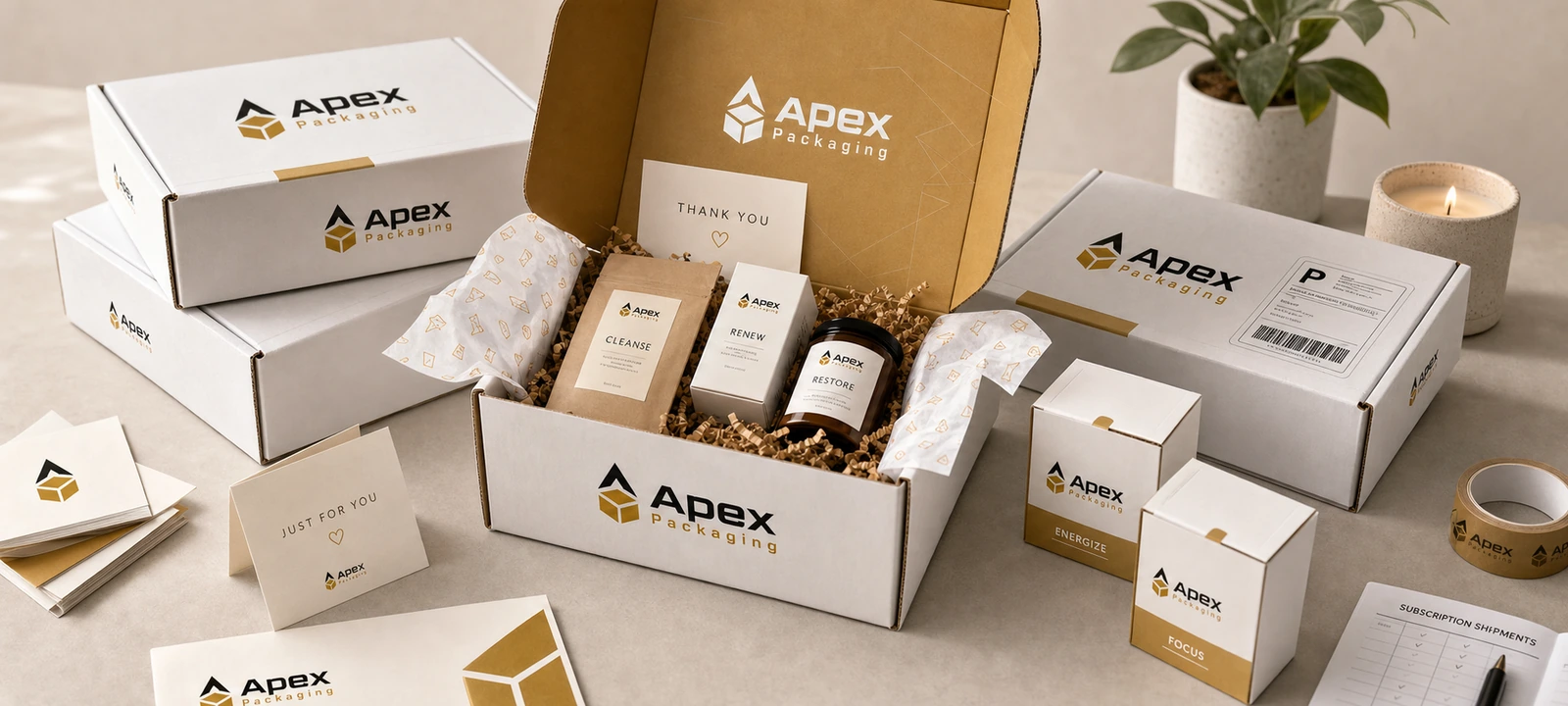
A colour name is not a complete print specification. The same artwork can appear different when the substrate colour, surface, ink set, print process, coating or viewing light changes. Colour control begins by defining what is being matched, under which production condition, and how the buyer and supplier will decide whether the result is acceptable.
This article provides general print-production guidance, not a promise that every colour, tolerance, proof or process is available from Apex. For a packaging quotation, send the final artwork, dieline, substrate and format, named colour references, proof expectations, quantity and destination. The proposed production and approval method should be stated for the project.
Choose a reference that can be identified and repeated
State whether the target is a named spot-colour reference, measured values under defined conditions, a characterized process-print condition, an approved physical sample or a combination. Identify the reference edition, file or sample ID and who holds it. If a physical sample is used, record its substrate, print method, finish, age and storage condition.
A brand style guide may show intent but still omit print-production details. Translate the brand requirement into the actual package condition: substrate, ink set, process, finish, viewing condition and acceptable variation. If different packaging formats use different processes, define whether a visual family resemblance or a measured match is the realistic objective.
Include the substrate and process in the colour brief
| Variable | Why it changes the result | What to record |
|---|---|---|
| Substrate | Colour, brightness, texture, absorbency and opacity affect printed appearance | Supplier, grade, colour, surface and any approved backing or liner |
| Print process | Ink system, screening, film thickness and achievable gamut differ | Process, ink set and characterized printing condition where applicable |
| White ink or underprint | Changes opacity and the influence of coloured or transparent material | Where used, number or type of passes if specified, and proof limitation |
| Coating or lamination | Gloss, surface reflection and colour appearance can change after finishing | Final finish and whether approval occurs before or after it |
| Viewing and measurement | Lighting and instrument conditions affect comparison | Illuminant/viewing booth, backing, geometry and agreed evaluation method |
ISO 12647-1 identifies minimum process-control parameters for production prints and proofing simulations. The ISO/TC 130 print-production guidelines also emphasize agreement on substrate or paper type and colour, ink, characterization data, tolerances, measurement and viewing conditions. Those resources support a controlled conversation; they do not establish a universal tolerance for every package.
Understand what each proof can and cannot approve
- Soft proof: useful for layout and colour-managed preview when the display and viewing workflow are controlled, but it does not reproduce substrate texture, opacity or every finish.
- Contract or colour proof: can simulate a defined printing condition when produced and verified for that purpose; confirm whether the package substrate and spot colours are represented.
- Mock-up or prototype: useful for structure, scale and presentation, but its colour may come from a different device or material than production.
- Press or production sample: closer to the intended process, but approval still needs a defined substrate, settings, finishing state and acceptance method.
Write the proof limitation beside the approval. “Approved” should not imply that a digital mock-up guarantees the production ink on kraft board, metallized film or another different substrate.
Agree on acceptance criteria before production
Decide whether colour will be judged visually, instrumentally or by both methods. Define the reference, sample location, backing, viewing condition, measurement condition, tolerance method and escalation path. Separate critical brand colours from illustrations, photographs, neutral greys and noncritical copy; they may need different controls.
Do not adopt a generic colour-difference number without the relevant method and production context. A measured value depends on the formula, instrument settings, substrate and sampling plan, while a visually noticeable difference can vary with colour region, image context and finish.
Hypothetical cross-format comparison
Hypothetical example: one brand colour appears on a coated folding carton, a kraft corrugated mailer and a flexible pouch. The buyer supplies one named brand reference, but each format has a different substrate and print process. The project team records the reference, identifies the production condition for each format, reviews achievable appearance, agrees on proof limitations and approves a controlled sample for each. The objective is documented consistency within each agreed condition, not an unsupported promise that every surface will look identical.
Build a colour-control record for reorders
- Archive final artwork and dieline revision identifiers.
- Record substrate supplier, grade, colour and surface.
- Identify print process, ink set and any spot-colour reference.
- Keep the approved proof or physical production sample under defined storage.
- Document viewing and measurement conditions and agreed tolerances.
- Record coatings, laminations or other finishes affecting appearance.
- Retain supplier job, plate, cylinder or other production identifiers where applicable.
- Require review after a substrate, process, artwork, supplier or finish change.
ICC profiles correspond to specific device or printing conditions. The ICC Profile Registry notes that users must determine whether a profile suits their purpose. Preserve the exact profile and characterization reference used rather than treating “CMYK” as one universal condition.
What to send with a printed-packaging enquiry
Send final artwork and dieline, package format, proposed substrate, brand-colour references, process-colour expectations, finishes, proof needs, acceptance method, quantity and destination. Review the artwork requirements guide for file setup and packaging design support for a commercial project discussion.
Frequently asked questions
Can a monitor or ordinary PDF be the contract colour reference?
Not by itself. Displays and office software do not reproduce every print condition consistently. Agree on the reference, profile or characterization data, substrate, proof type, viewing conditions and the proof limitations in writing.
Why can the same ink reference look different on two packages?
Substrate colour and surface, ink film, print process, screening, opacity, coatings and viewing conditions can all change the result. The production condition must be part of the colour specification.
Which records help control colour on a reorder?
Keep the final artwork and dieline revisions, substrate and print-process specification, named colour references, approved proof or production sample, agreed tolerances and viewing conditions, and supplier job identifiers.
Primary references
Related
Define the colour target and production condition together.
Send the artwork, dieline, substrate, colour references, proof expectations, quantity and destination for a project quotation.