
Best For
- •Software suites
- •Tech bundles
- •Manual and card kits
- •Retail electronics
Custom Software Boxes
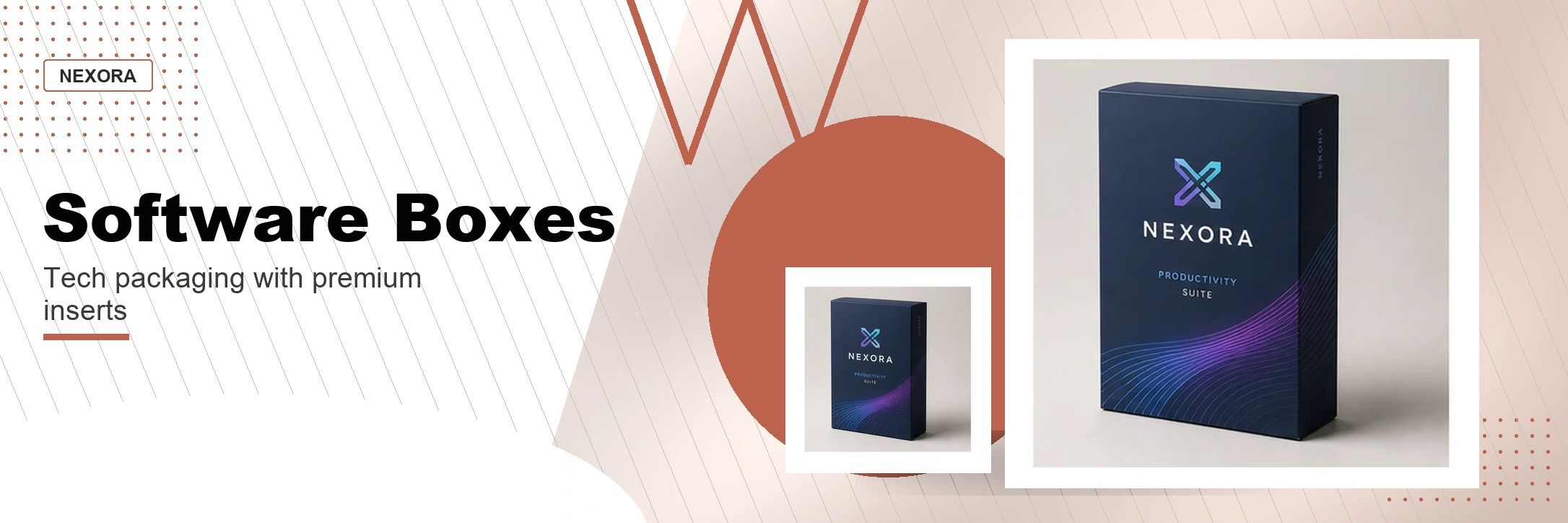
Packaging details
Custom software packaging boxes for technology products and retail programs. Apex starts with dimensions, product weight, retail or shipping use, print goals, and target quantity. From there, the team recommends structure, board grade, print method, and sample path.
How Apex manages it
Dielines are built around the product dimensions, retail display needs, and fulfillment method.
Material and finish choices are matched to the product weight, brand position, and reorder quantity.
Digital proofs and samples can confirm artwork placement before the production run is released.
Send dimensions, quantity, artwork, product weight, and launch date. Apex will return a practical material, structure, and pricing recommendation.
Buyer questions
Straight answers to the questions buyers ask before requesting a custom packaging quotation.
Packaging buyer questions
List activation cards, manuals, media and accessories with their dimensions and intended unpacking order.
Specify a separate sealed or concealed code carrier rather than exposing the credential through the outer carton.
Request dedicated paperboard or foam compartments sized around the manual thickness and device profile.
Assign clear edition identifiers to the front panel and packing labels so fulfilment teams can distinguish versions.
Test a printed code at final size on the chosen finish with the destination link active.
Quote a replaceable printed card or booklet when the outer structure can remain unchanged.
Confirm media retention, booklet access and that the opening sequence presents activation instructions first.
Separate the approved language, support-contact and licence insert versions in the packing specification for each market.
Share the product size, material preference, quantity, and target delivery date. Apex will recommend the right box structure and print path.