
Knowledge base · Pilot launches
Pilot-launch packaging: quantities, tooling and reorder control.
Use a pilot to learn which specification should repeat—not simply to buy the smallest possible order—by defining quantities, tooling, artwork status and approval records before pricing.
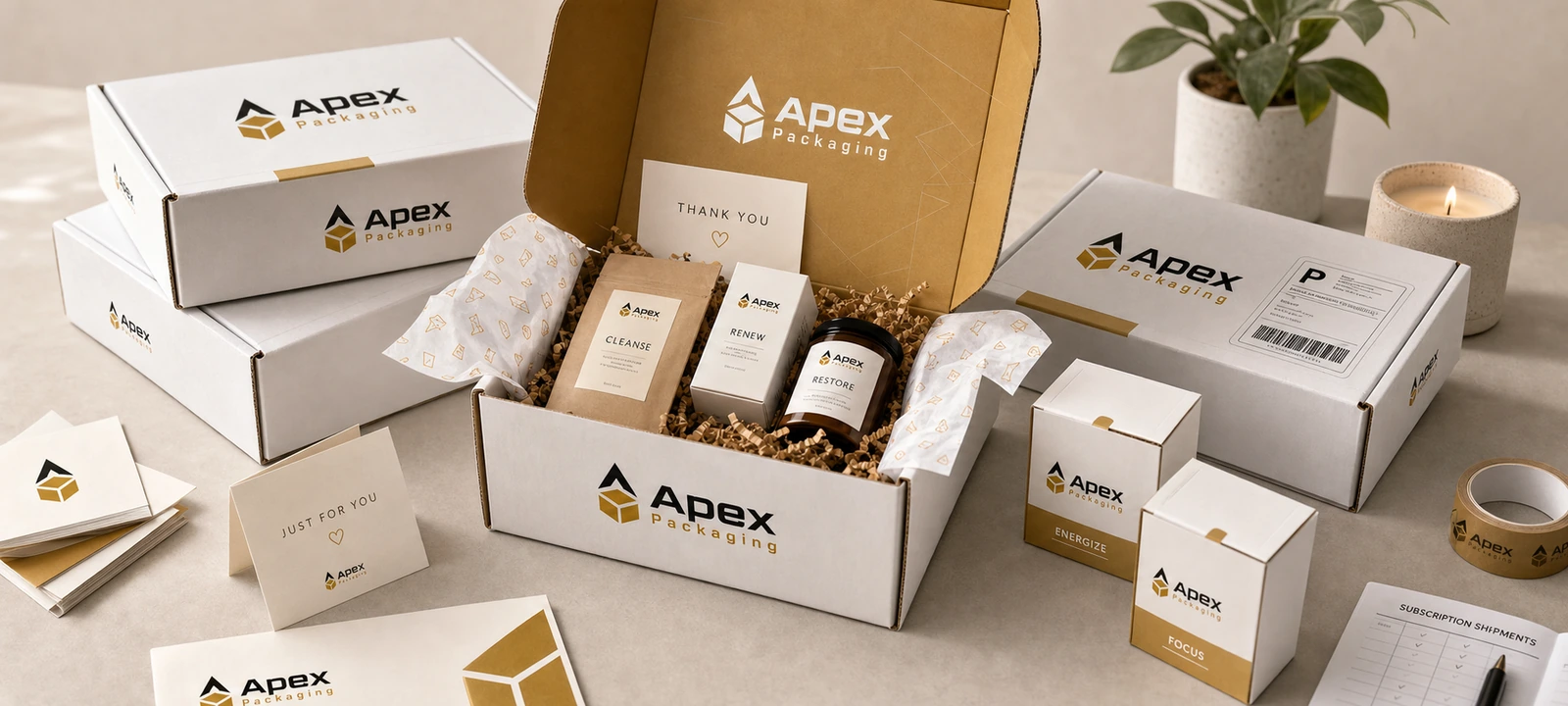
A pilot order should answer a defined launch question. It may need to confirm product fit, packing steps, shelf presentation, print reproduction or distribution performance. The quantity and approval plan should follow that objective; “low MOQ” alone does not define a useful specification.
This article is general planning guidance, not a promise of an Apex minimum quantity, tooling method or production route. For a quotation, send the product, packaging format, SKU quantities, artwork status, validation needs and destination. The applicable options depend on the approved project specification.
Define what the pilot must prove
Write one decision statement before requesting quotes: “Approve the fit and packout for three SKUs,” “confirm legibility and colour hierarchy on the production substrate,” or “validate the packed system for the planned parcel route.” A pilot cannot answer every question automatically. The sample type, production method and test plan must fit the decision.
Separate commercial launch stock from development work. A structural mock-up can help assess dimensions and assembly, while a colour proof can help assess reproduction under defined conditions. Neither necessarily represents every property of the final production package. Record what each approval does and does not cover.
Build quantity by SKU and use
| Quantity line | What to calculate | Why it stays separate |
|---|---|---|
| Sellable units | Launch forecast by SKU, channel and pack configuration | Prevents a total quantity from hiding an unusable SKU split |
| Setup and packing checks | Units required to verify assembly, product loading, labels and work instructions | These may not become saleable inventory |
| Validation samples | Complete packed units required by the agreed test plan | Testing consumes samples and may need multiple configurations |
| Photography and sales | Clean, correctly printed units for launch assets or buyer presentations | These should not be taken unexpectedly from fulfilment stock |
| Retained references | Approved samples held by buyer and supplier, if agreed | Supports comparison during a reorder or investigation |
| Contingency | A stated allowance tied to a named risk | Makes the assumption reviewable instead of hiding it in a percentage |
Ask suppliers to state ordering increments, make-ready assumptions, overrun or underrun terms and how quantities are allocated across SKUs. A nominally small total can still be inefficient if every artwork version requires separate setup.
Separate tooling, setup and reusable assets
Tooling can mean different items depending on the format and process: cutting tools, plates, screens, cylinders, dies, fixtures or digital setup. Do not assume that every charge is reusable or that a repeat order will use the same assets. Request an itemized explanation of ownership, storage, expected reuse, revision limits and replacement triggers.
Also ask what happens if dimensions, material, print coverage, closure or artwork change. A “small” revision can alter the cutting layout, production method or prepress work. That risk should be visible before the pilot is approved.
When comparing pilot-packaging quotations, use the same finished dimensions, construction and material specification, print coverage, quantity by SKU, tooling, sampling, packing requirements, validation scope, freight assumptions and destination for each option. Separate one-time setup charges from recurring production costs, and ask how ordering increments and overrun or underrun terms affect usable quantities. Like-for-like assumptions make the cost and reorder trade-offs easier to evaluate.
Make artwork production-ready before quantity becomes urgent
- Use the supplier-approved dieline revision and keep structural marks separate from print artwork.
- Confirm dimensions, orientation, panel order, glue or seal zones and code placement.
- Provide linked images, fonts or outlined text, colour references and finish layers as requested.
- Identify variable areas such as lot, date, label or regulatory content.
- Assign one approver and record the approved file name, date and proof limitation.
The packaging artwork requirements guide explains common file controls. Packaging, quantity or declared product changes can also affect identification decisions; use the official GS1 GTIN Management Standard rather than assuming an existing identifier can always be reused.
Create a reorder record during the pilot
Do not wait for inventory to run low before reconstructing the approved specification. Store the final dieline, artwork, construction, material description, print references, finishes, proof or sample approval, packing instructions, test records, delivery configuration and supplier job identifiers together. Record any accepted deviation and whether it may repeat.
A reorder request should cite that controlled record and identify changes explicitly. If product dimensions, packed weight, sales route, artwork, regulatory copy or pack quantity changes, reassess fit, identification and validation rather than calling it an unchanged repeat.
Hypothetical pilot plan
Hypothetical example: a launch has three carton artworks for one product size. Instead of requesting “500 assorted,” the buyer lists 220 units for SKU A, 160 for SKU B and 80 for SKU C, plus named quantities for packing checks, photography and retained references. The RFQ asks whether the three artworks share structural tooling, which setup repeats for each version, how finished quantities may vary, and which records will be used for the next order. The example is a planning method, not an Apex quantity or production promise.
Pilot-launch checklist
- State the decision the pilot must support.
- List sellable, validation, photography and retained quantities by SKU.
- Freeze product dimensions and the intended packout.
- Confirm artwork readiness and approver responsibility.
- Itemize tooling, setup, reuse and revision assumptions.
- Define sample or proof limitations and acceptance criteria.
- Validate the complete package for its actual route where required.
- Assemble the controlled reorder record before launch stock is consumed.
What to send with a pilot-packaging enquiry
Send product dimensions and weight, photos, pack configuration, packaging format, quantity by SKU and use, artwork files, target launch window, destination, planned route and the decision the pilot must support. Use the 12-field packaging RFQ template to structure the commercial brief and the product-launch packaging guide for a broader launch workflow.
Frequently asked questions
How should pilot packaging quantity be divided across SKUs?
Build the quantity from the planned sellable units for each SKU, then identify separate needs for samples, setup checks, photography, damage replacement and internal retention. Do not apply one contingency percentage without explaining what it covers.
Should a pilot launch use production tooling?
That depends on the packaging format, print process, approval objective and likelihood of reuse. Ask the supplier to separate non-recurring and reusable items and explain what changes would require new tooling.
Which records should control a packaging reorder?
Keep the approved dieline and artwork revision, construction and material description, print references, approved sample or proof, packing instructions, acceptance notes and supplier job identifiers in one controlled package.
Primary references
Related
Turn the pilot objective into a controlled brief.
Send the product, SKU quantities, artwork status, approval objective, route and destination for a packaging quotation.